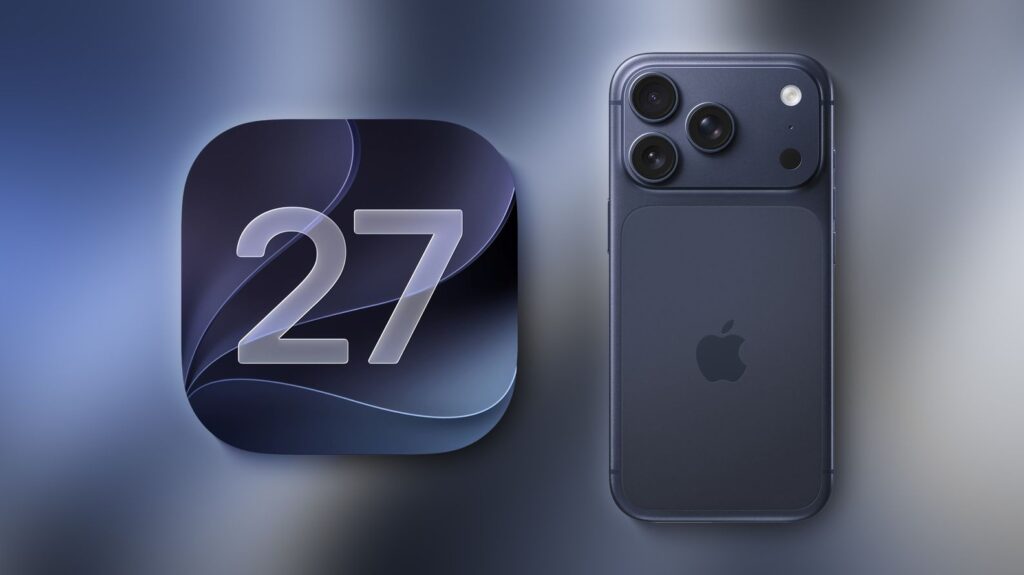

Apple has officially rolled out iOS 27, and it is shaping up to be one of the most significant iPhone updates ever. From a smarter Siri and advanced AI-powered photo editing tools to improved customization and audio controls, iOS 27 introduces several features designed to make everyday tasks faster and more intuitive.
If you’ve just updated your iPhone, here are the top iOS 27 features you shouldn’t miss.
- Siri Gets a Massive Upgrade
- Clean Up Feature Removes Unwanted Objects Instantly
- Timer Now Works with Dynamic Island
- Reframe Photos After Taking Them
- New Liquid Glass Slider Design
- Expand Wallpaper Creates Perfect Backgrounds
- Passwords App Becomes Smarter
- Apple Music Artist Pages Get a Fresh Look
- Separate Volume Controls Finally Arrive
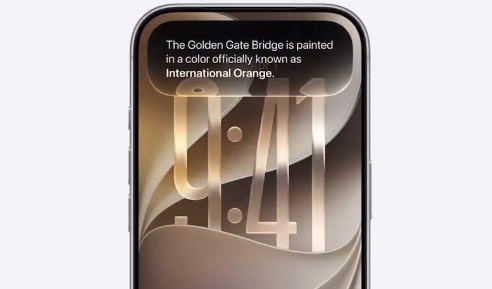
1. Siri Gets a Massive Upgrade
One of the biggest highlights of iOS 27 is the completely redesigned Siri experience. The virtual assistant can now:
- Speak more naturally
- Better understand conversation context
- Follow multi-step requests
- Perform actions across different apps
This makes Siri feel more like a real assistant rather than a simple voice command tool. Whether you’re sending messages, managing reminders, or opening apps, Siri is now smarter and more helpful than ever.
2. Clean Up Feature Removes Unwanted Objects Instantly
The new Clean Up tool is a game-changer for photo editing. With just a few taps, you can remove:
- Unwanted people
- Background distractions
- Reflections
- Random objects
- Photobombers
Instead of using third-party editing apps, iPhone users can now create cleaner and more professional-looking photos directly within the Photos app.

3. Timer Now Works with Dynamic Island
Apple has improved the timer experience in iOS 27 by integrating it with the Dynamic Island. When you start a timer from the Control Center, the remaining time is displayed in the Dynamic Island, allowing you to track progress without opening the Clock app.
Benefits:
- Quick timer monitoring
- Improved multitasking
- Better visibility while using other apps
This small addition makes everyday productivity more convenient.

4. Reframe Photos After Taking Them
The new Reframe feature gives users greater control over their photos. Even after capturing an image, you can:
- Adjust the framing
- Change the viewing angle
- Improve composition
- Create a better crop
This feature offers more flexibility and helps rescue photos that were not perfectly aligned when originally taken.

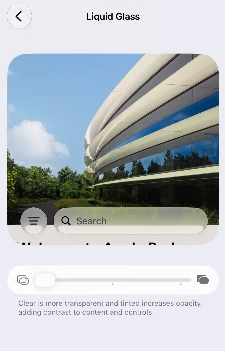
5. New Liquid Glass Slider Design
Apple has introduced a fresh visual element called the Liquid Glass Slider. As you move the slider, it dynamically transforms with a transparent, glass-like appearance that feels fluid and interactive.
The effect enhances the overall visual experience and gives iOS 27 a more modern and premium look.
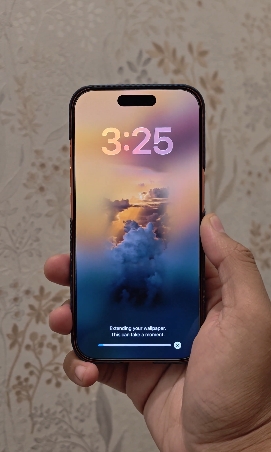
6. Expand Wallpaper Creates Perfect Backgrounds
The new Expand Wallpaper feature intelligently fills empty areas of an image to fit your screen perfectly.
What it does:
- Extends image backgrounds automatically
- Generates realistic missing details
- Eliminates awkward cropping
- Creates seamless wallpapers
This means you can turn almost any photo into a stunning wallpaper for your iPhone.
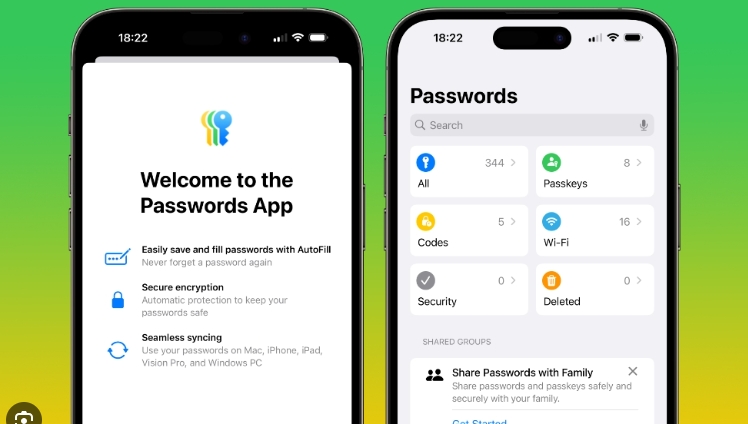
7. Passwords App Becomes Smarter
The dedicated Passwords app receives major improvements in iOS 27. Users can now:
- Manage login credentials more easily
- Receive password recommendations
- Automatically update saved login information
- Improve account security
The enhanced experience makes password management simpler and more secure.
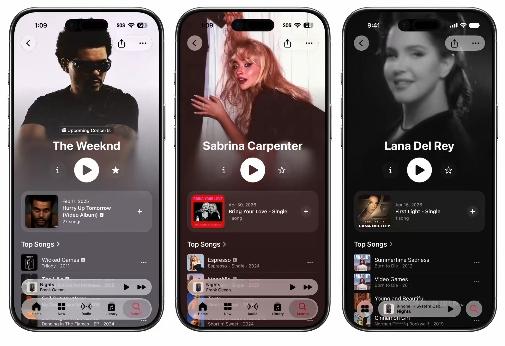
8. Apple Music Artist Pages Get a Fresh Look
Music lovers will notice a redesigned experience inside Apple Music. Artist pages now feature:
- A cleaner layout
- Improved navigation
- Modern visual elements
- Better content organization
The refreshed design makes it easier to discover music, albums, and artist information.
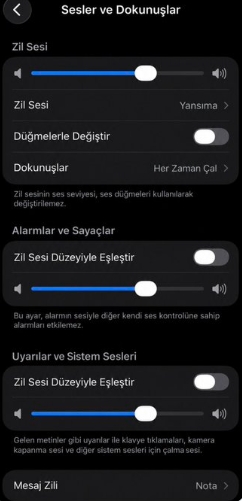
9. Separate Volume Controls Finally Arrive
One of the most requested iPhone features is finally available in iOS 27. Users can now adjust volume levels independently for:
- Phone calls
- Alarms
- Notifications
This long-awaited enhancement provides much better control over your device’s audio settings and helps prevent missed alarms or overly loud notifications.
Final Thoughts
With a smarter Siri, powerful AI photo tools, Dynamic Island enhancements, improved password management, and separate audio controls, iOS 27 delivers one of the most exciting iPhone updates in recent years.