
Understanding critical Windows directories is essential for system administrators, security professionals, and forensic analysts. These directories contain sensitive data, configuration files, and artifacts that can reveal malicious activity or persistence mechanisms.
Below is a breakdown of the most important directories and their significance.
1. C:\Windows\System32\drivers\etc\hosts
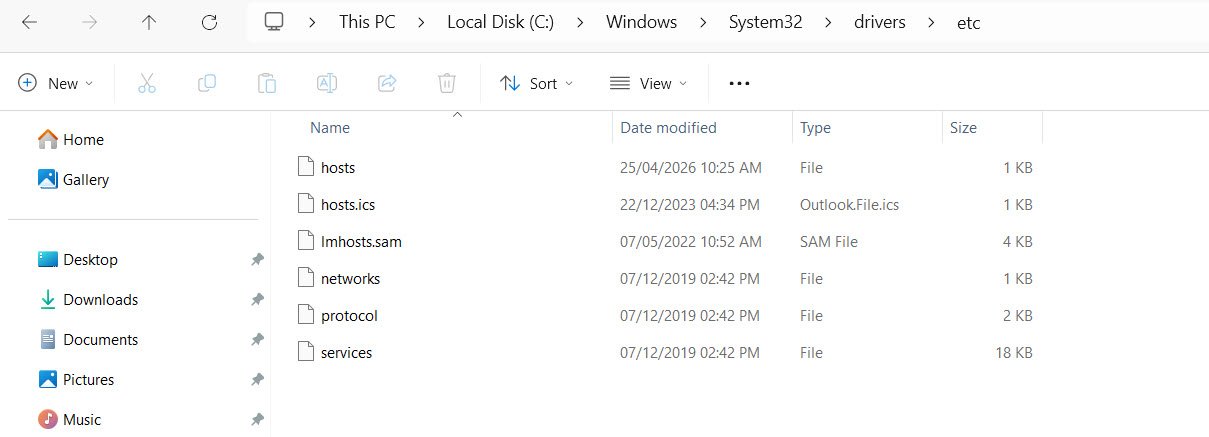
The hosts file maps hostnames to IP addresses. Attackers often exploit this file to redirect legitimate traffic to malicious servers. By inserting unauthorized entries, they can trick users into visiting fake websites.
Regular monitoring of this file helps detect and prevent such malicious redirects.
2. C:\Windows\System32\drivers\etc\networks
This file defines network names and addresses, serving as a baseline for network configurations. While not frequently modified, any unauthorized changes could indicate tampering or attempts to manipulate network behavior. Security teams should ensure its integrity to maintain trusted network references.
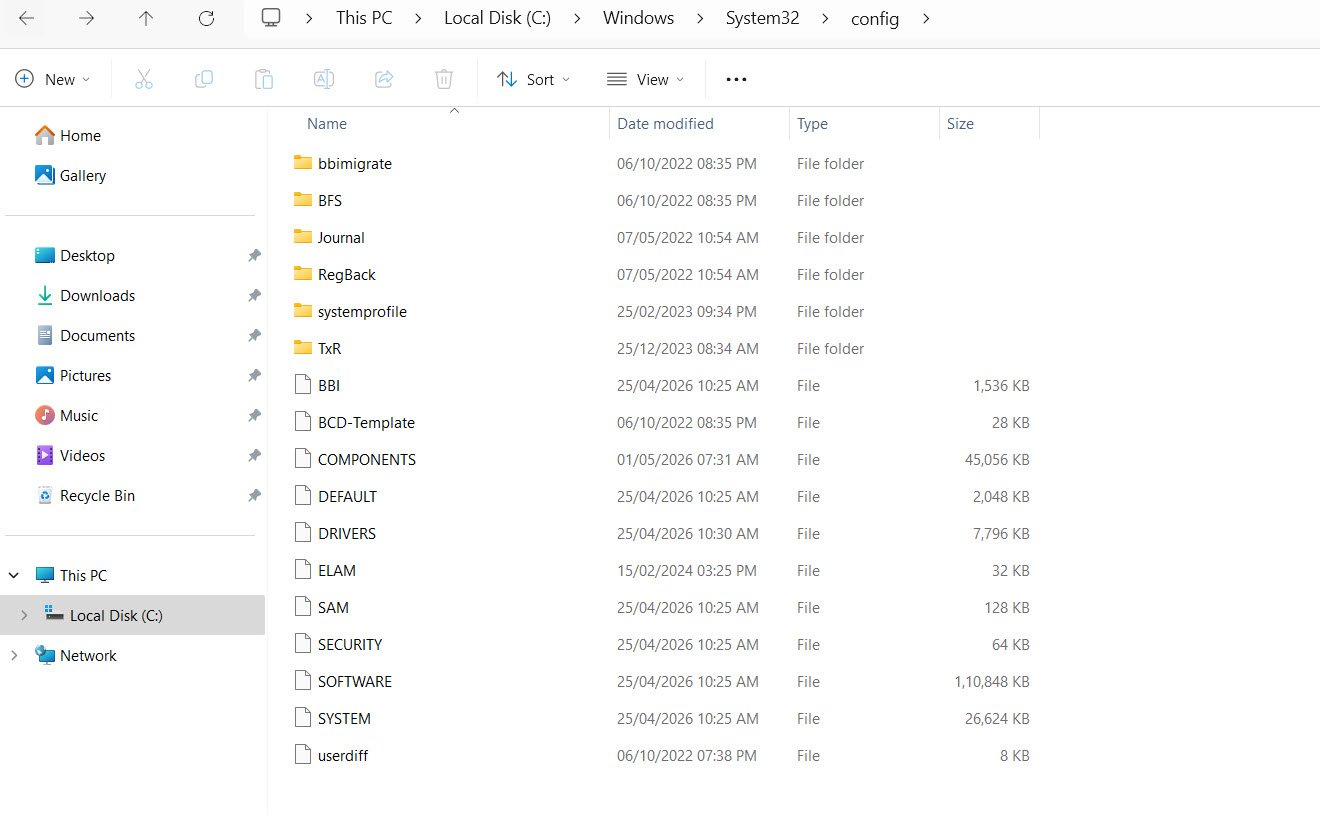
3. C:\Windows\System32\config\SAM
The Security Accounts Manager (SAM) database stores password hashes for local accounts. It is a high-value target for attackers seeking to escalate privileges or crack credentials. Protecting this file is critical, as compromise can lead to full system access.
4. C:\Windows\System32\config\SECURITY
This directory contains local security policy data, including user rights and audit policies. Alterations here can weaken system defenses, disable auditing, or grant unauthorized privileges. Monitoring changes ensures that security policies remain intact and effective.
5. C:\Windows\System32\config\SOFTWARE
This registry hive records installed software and related configurations. Attackers may use it to establish persistence by inserting malicious entries. Analysts can review this hive to detect unauthorized installations or persistence mechanisms.
6. C:\Windows\System32\config\SYSTEM
The SYSTEM hive contains system configuration and boot-level settings. Rootkits and bootkits often target this hive to manipulate startup behavior. Any suspicious modifications here could indicate deep system compromise.
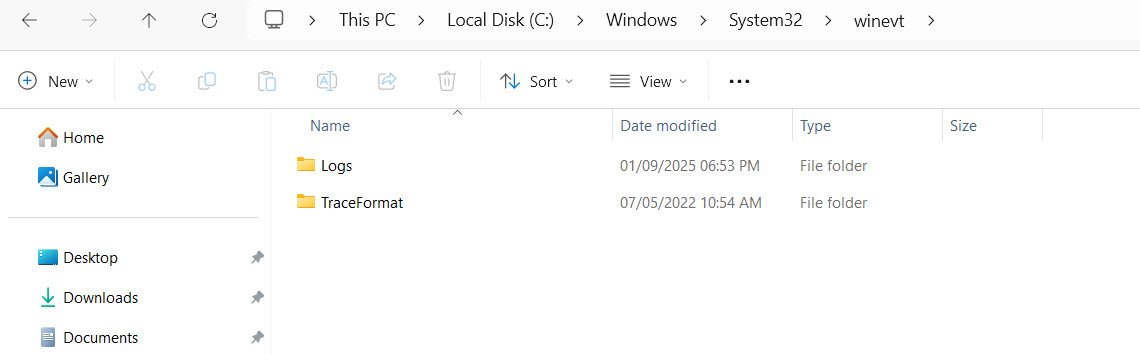
7. C:\Windows\System32\winevt\
This directory stores Windows Event Logs, which are vital for auditing and incident response. Attackers may attempt to clear or alter logs to cover their tracks. Detecting tampering in this directory is essential for accurate forensic investigations.
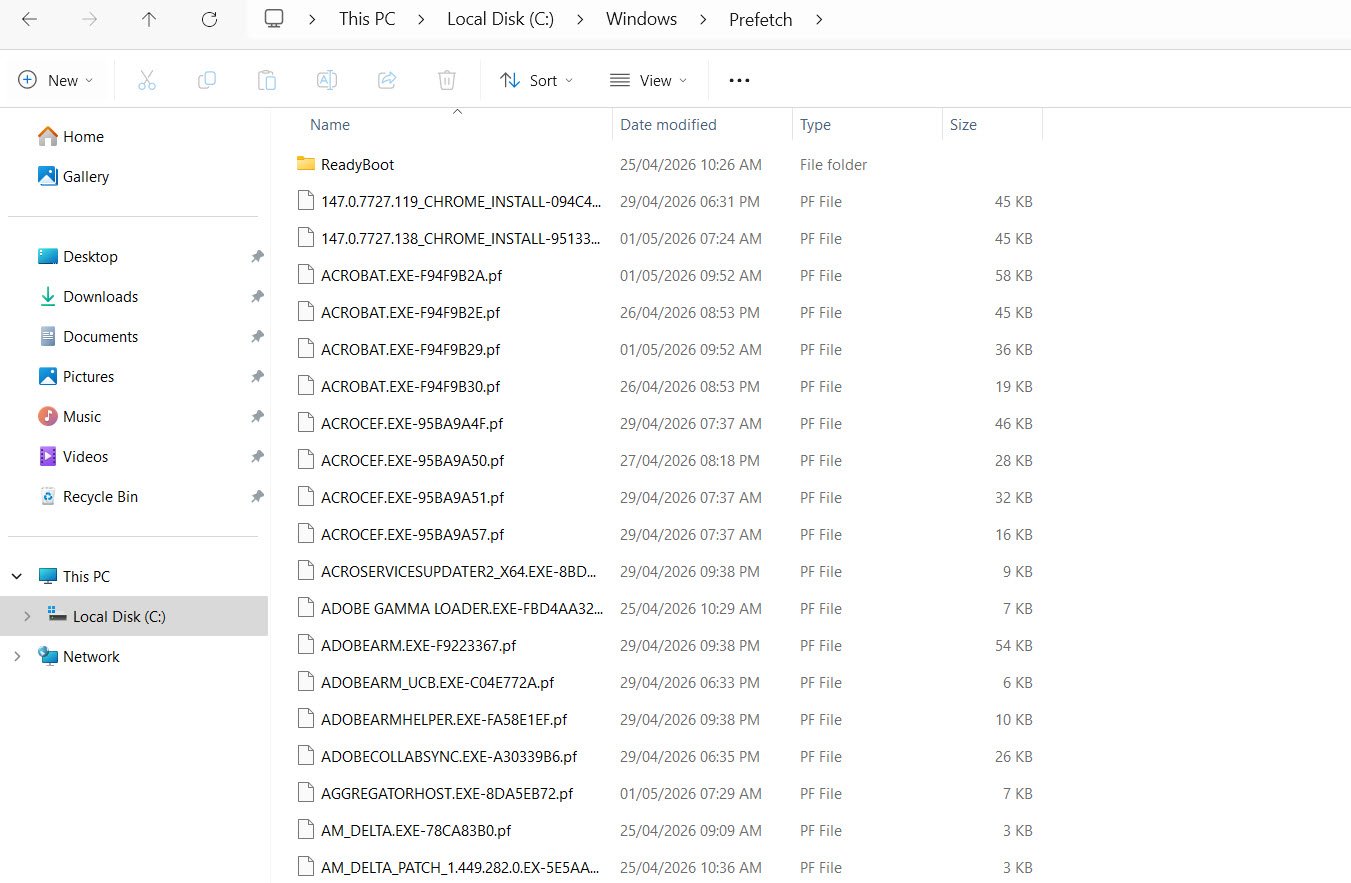
8. C:\Windows\Prefetch
Prefetch files are created to speed up program execution by caching information. From a forensic perspective, they provide evidence of program execution history. Investigators can use these files to determine which applications were run and when.
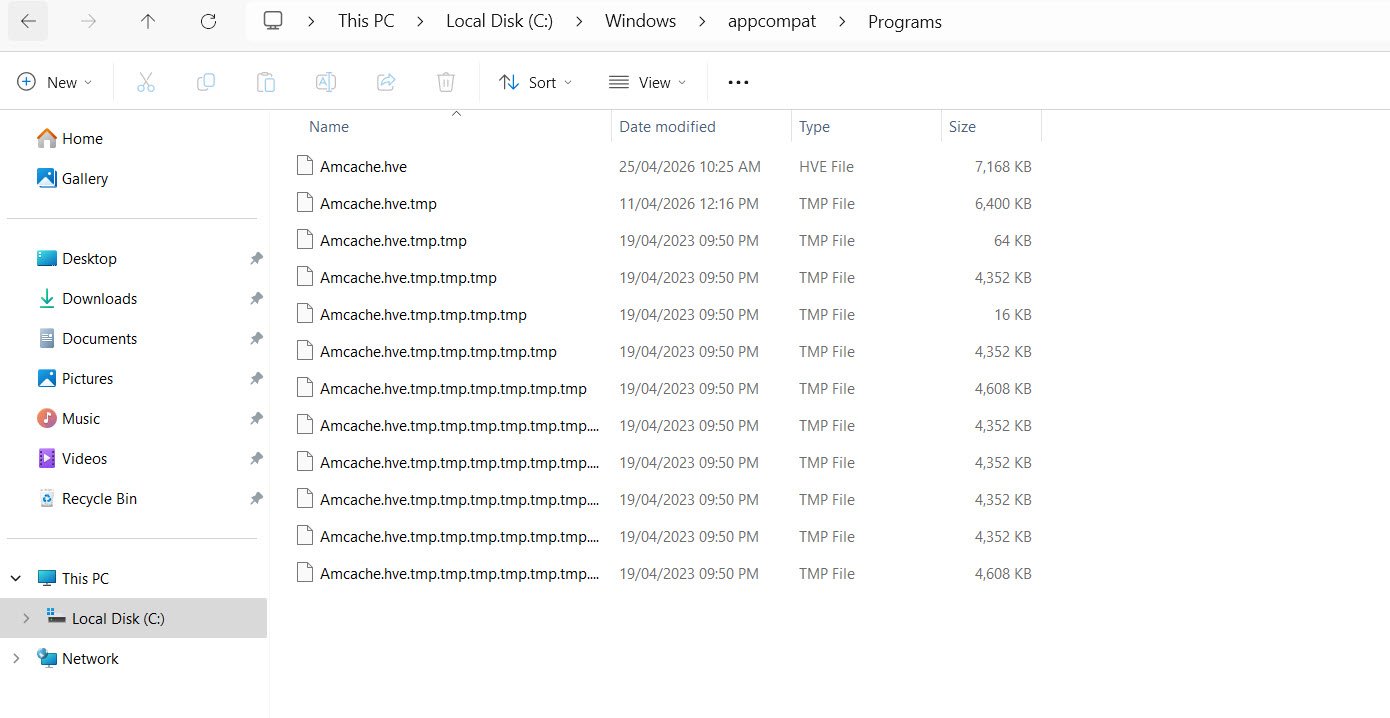
9. C:\Windows\AppCompat\Programs\Amcache.hve
The Amcache.hve file records application execution artifacts. It is particularly useful in tracking malware execution, as it logs details about programs that have been run. Analysts often rely on this file to build timelines of malicious activity.
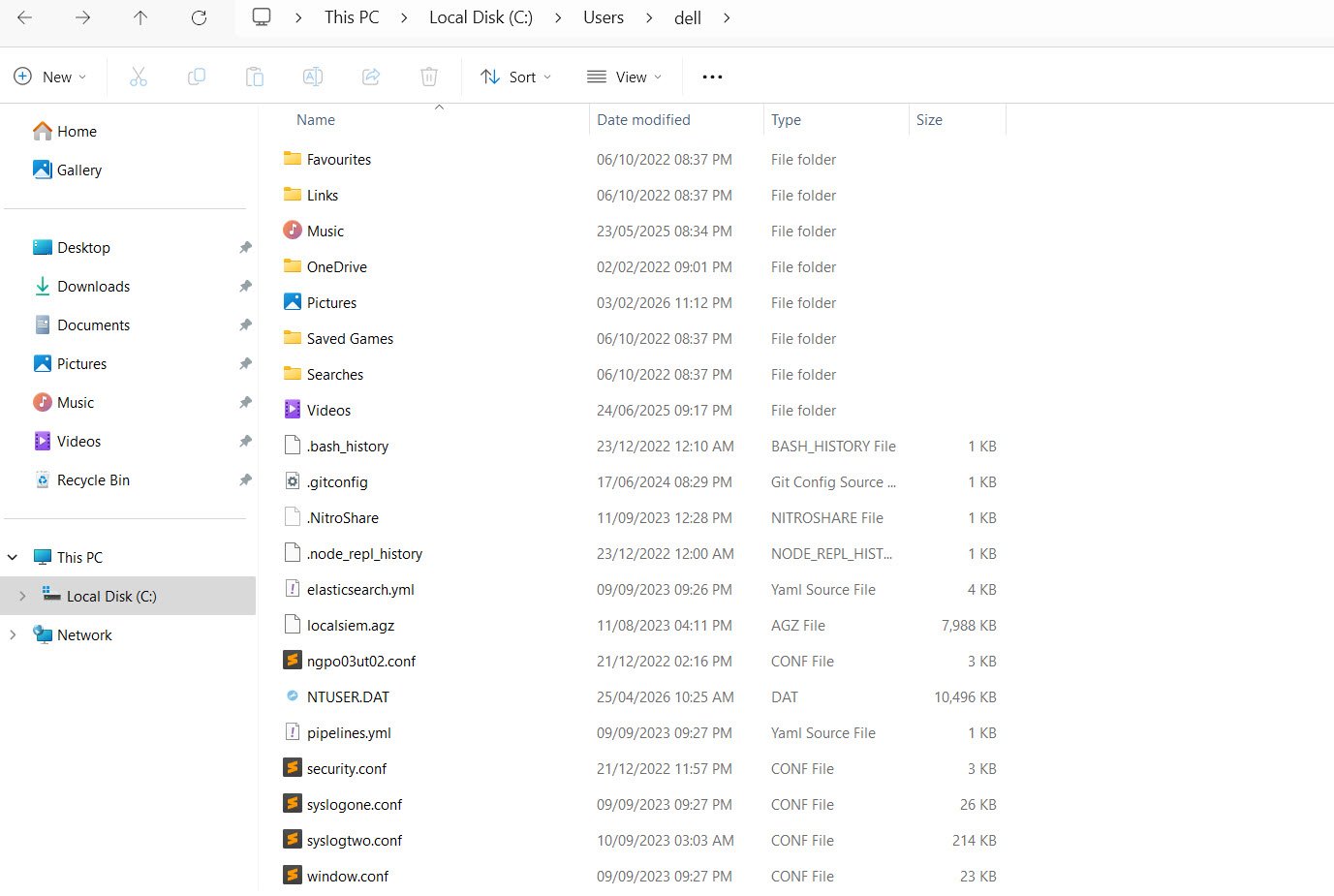
10. C:\Users*\NTUSER.dat
Each user profile contains an NTUSER.dat file, which is a registry hive storing user-specific settings and activity data. Attackers may exploit this file to establish persistence or manipulate user configurations. Reviewing it can reveal unauthorized changes or suspicious activity.
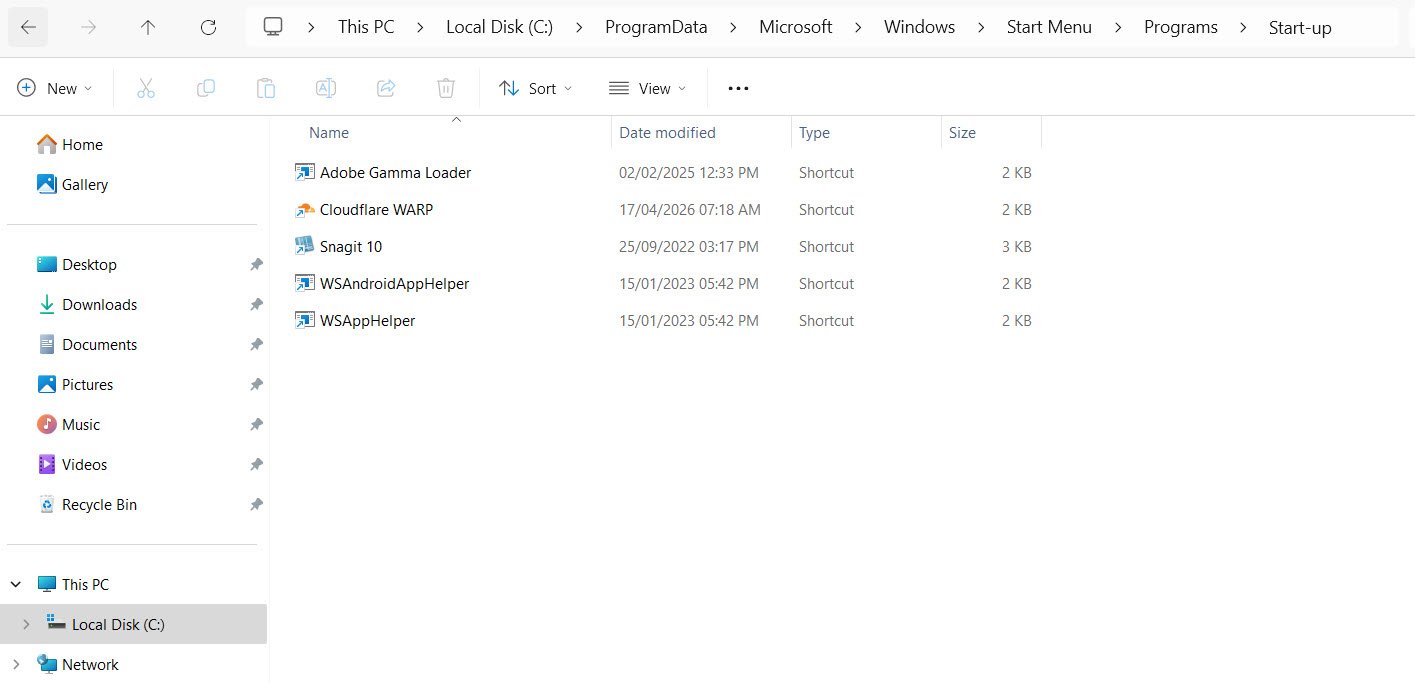
11. C:\ProgramData\Microsoft\Windows\Start Menu\Programs\Startup
This directory automatically launch programs at startup. Malware frequently abuses them to ensure persistence. Security teams should regularly audit these locations to identify and remove unauthorized entries.
12. C:\Windows\repair\SAM
This is a backup of the SAM database, often overlooked during security checks. Despite being a backup, it still contains credential information that attackers may exploit. Ensuring its protection is as important as safeguarding the primary SAM file.
Conclusion
Monitoring these directories is crucial for maintaining Windows security. Regular audits, integrity checks, and forensic analysis can help detect malicious activity early and strengthen system defenses.